
Published on November 22, 2026
Driving a Tesla Cybertruck: is it hard? What to expect on your first drive
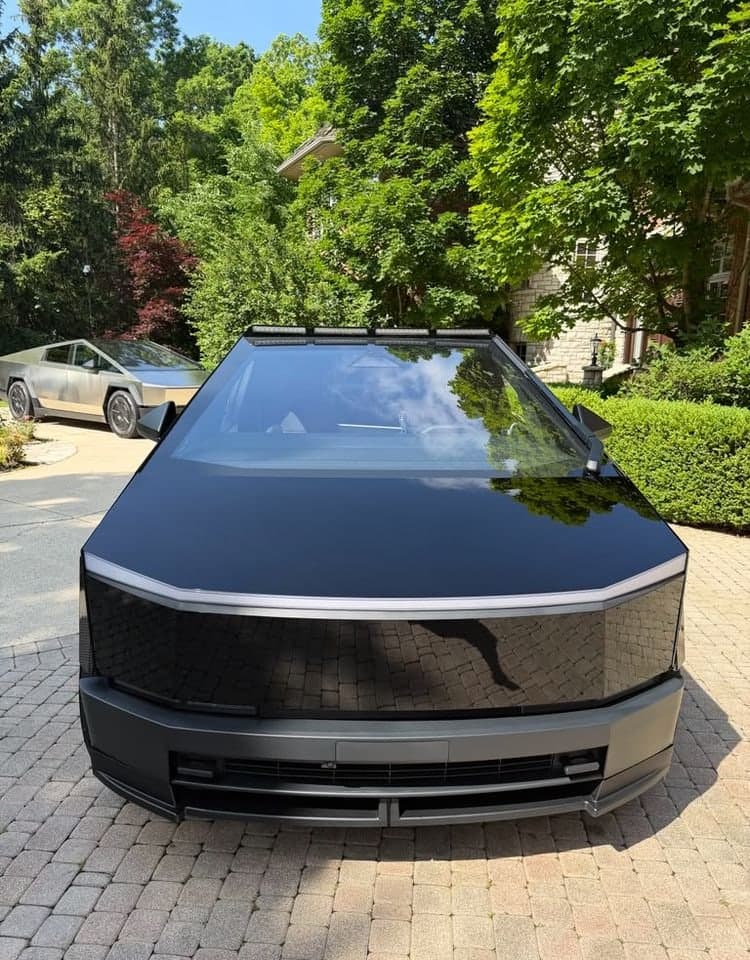
In short: driving a Tesla Cybertruck is easier than its size suggests. It shifts on its own, the steer-by-wire steering needs little effort, and four-wheel steering gives it a tighter turning radius. What takes some getting used to is everything around it: there is no start button, you shift on the touchscreen, the turn signals are buttons on the steering wheel, and the truck is 5.68 m long and weighs over 3 tonnes. Below is what to expect on your first drive, based on Tesla's owner's manual. In Europe you can try one in Poland: a test drive costs PLN 1,000 (about €230), a full day's rental PLN 2,990 (about €690).
Getting in: doors without handles
- Unlocking: with a phone key, the doors and the tailgate unlock as you walk up to the truck. With the key card, you lock and unlock it yourself.
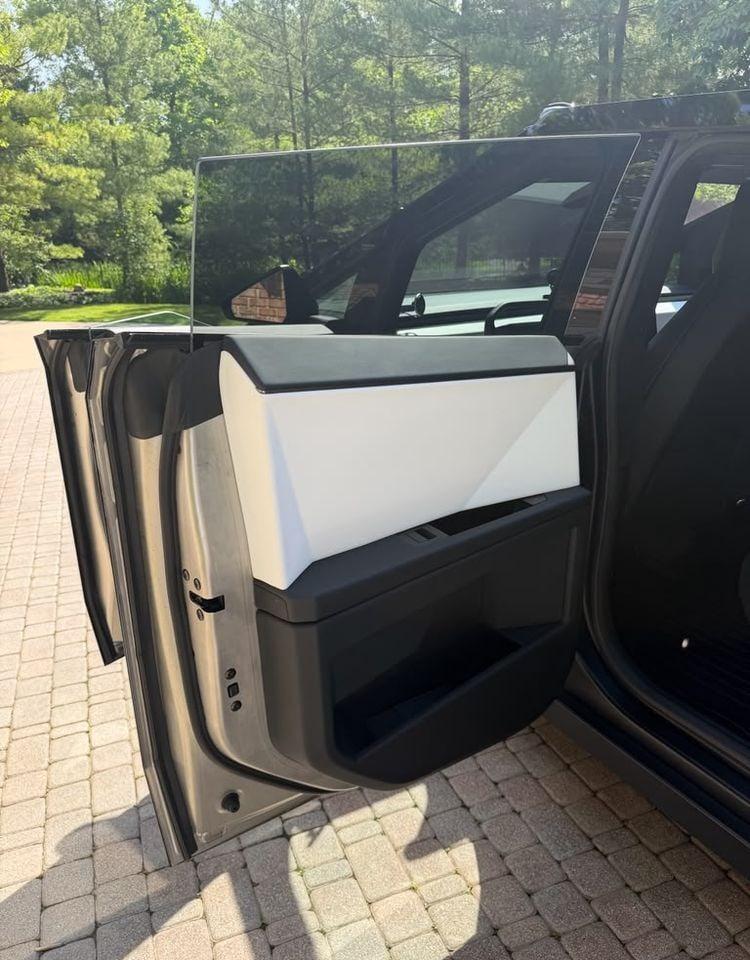
- Opening a door: there are no door handles outside. Press the door release button on the pillar to the right of each door and pull the door open, holding it at the top, as Tesla's manual advises.
- From the inside: press the button at the top of the interior door handle and push the door open.
- Easier entry: with adaptive air suspension and Auto Lower switched on, the truck lowers to the Entry height in Park, 5.5 cm below Medium.
Before you set off: steering wheel and mirrors
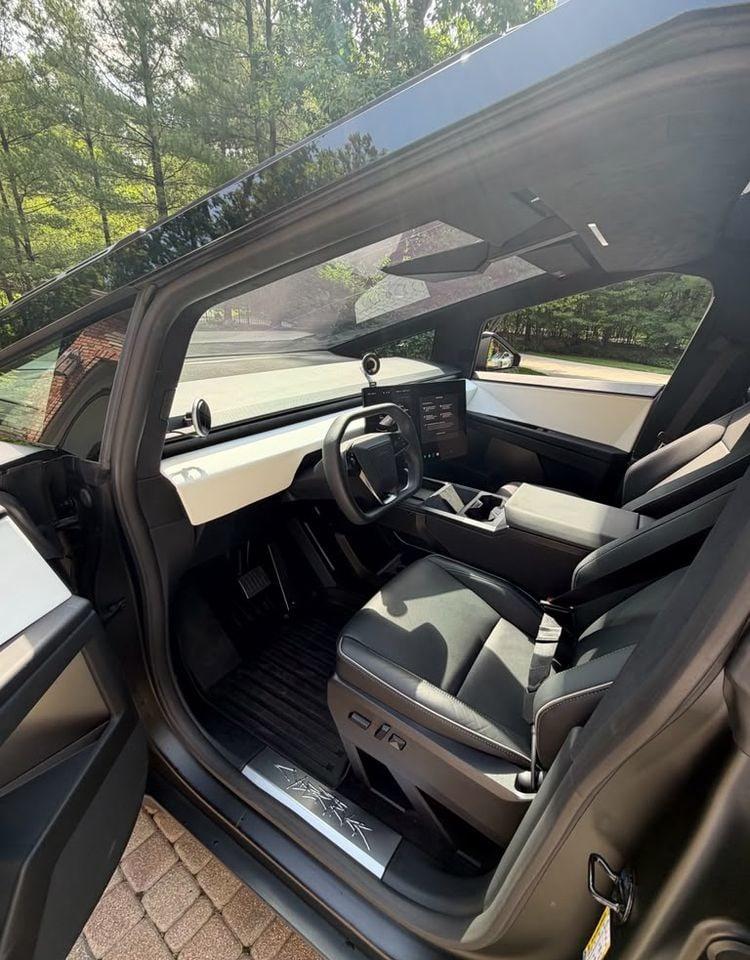
The steering wheel and the exterior mirrors are set on the touchscreen. For the steering wheel, touch Controls and the steering icon, then use the left scroll button on the wheel: roll it up or down to change the height and angle, and press it left or right to move the wheel closer or further away. The mirrors are adjusted the same way under Controls > Mirrors. With Mirror Auto Tilt switched on, they tilt down when you reverse.
Starting and shifting: no start button
- Open the door: the touchscreen powers on.
- Press the brake pedal: the drive mode strip appears on the driver's side of the touchscreen.
- Swipe up for Drive or down for Reverse. To park, press the strip.
- You can switch between Drive and Reverse only below 8 km/h.
- If the truck asks for authentication, place the key card in one of the phone docks.
- When you finish, shift into Park and get out. With a phone key, the truck powers off on its own.
Steering: steer-by-wire and four-wheel steering
There is no mechanical connection between the steering wheel and the wheels. Sensors in the steering column talk to the steering racks electronically, so the steering feels more responsive and needs less effort. All four wheels respond when you turn the wheel, which gives the truck a tighter turning radius. The first minutes feel unusual because small movements of the wheel are enough, especially at low speed. Do a few slow turns in an empty car park before you drive into town.
Buttons instead of stalks
There are no stalks behind the steering wheel. Everything you need while driving is on the wheel itself: the turn signals and the high beams on the left side, the wiper, voice commands and the camera button on the right side. The turn signal buttons take the most getting used to, so try them before you pull out.
Braking: regenerative braking does a lot of the work
When you lift off the accelerator, regenerative braking slows the truck down and sends energy back to the battery. If you anticipate stops and lift off early, you use the brake pedal less and gain range. When the battery is cold or fully charged, regenerative braking can be weaker, so the truck slows down less when you lift off. You can set the regular brakes to step in automatically when that happens.
Drive modes: Comfort, Sport, Chill and Beast
Under Controls > Dynamics you choose Comfort, Sport or Custom. Comfort and Sport set acceleration, ride and handling and ride height together. In Custom you choose them yourself, for example Chill or Standard acceleration and a Relaxed or Focused ride. Chill limits acceleration and is a good setting for your first kilometres. The Cyberbeast, with 845 hp, also has Beast mode for extra performance, which you switch on by following the prompts on the touchscreen.
Size: parking and narrow streets
- Dimensions: 5.68 m long, 2.2 m wide with the mirrors folded, 1.79 m high, over 3 tonnes. Check gates, multi-storey car parks and parking spaces before you set off. Our guide to the Cybertruck's dimensions and weight has the details.
- Cameras: there are cameras on the tailgate, in the door pillars, behind the windscreen, above each front wheel and above the front grille. The camera button on the right of the steering wheel opens their views, and the rear camera comes on by itself when you shift into Reverse, with lines that show your path.
- Rear view: with the tonneau cover closed, you can show the rear camera feed on the touchscreen all the time.
- Park Assist: at low speed, the truck warns you about objects in front of it in Drive and behind it in Reverse. Tesla's manual is clear that you should never rely on it alone.
Driving a Cybertruck in winter and snow
- Both of our Cybertrucks have all-wheel drive: two motors in the AWD, three in the Cyberbeast.
- Tesla recommends warming the cabin and the battery 30 to 45 minutes before you leave. You can schedule it on the touchscreen under Controls > Schedule or in the Tesla app. It also helps against frozen doors, mirrors and wipers.
- Range is lower in winter, and regenerative braking can be weaker with a cold battery. Read more in our guide to the Cybertruck's real range in winter.
- Adaptive air suspension can raise the truck for deep snow or a steep driveway.
Charging on the way
A day's rental includes 200 km, so most day trips need no charging at all. On longer trips the truck charges at fast chargers with a CCS connector, using the adapter in the car's kit, and we show you how at pick-up. Connectors, adapters and Superchargers are explained in our charging guide.
Where can you drive a Cybertruck in Europe?
In Europe the Cybertruck is still a rare sight. In Poland you can drive one: our two Cybertrucks are registered in Poland and available for a test drive or a rental, with pick-up at our showrooms in Katowice and Częstochowa.
- Test drive: PLN 1,000 (about €230), and an advisor confirms the date. Book a test drive.
- A day behind the wheel: PLN 2,990 (about €690) for the Cybertruck AWD and PLN 3,990 (about €920) for the Cyberbeast, 200 km included. A weekend costs PLN 5,990 (about €1,380) or PLN 7,990 (about €1,840).
- Terms: the driver is at least 25 years old and has held a category B licence for at least 3 years. Rentals are self-drive only, and a refundable deposit of PLN 20,000 (about €4,600) is paid at pick-up.
- Trips abroad: the cars are registered in Poland, and driving abroad needs our prior agreement.
Prices and free dates: Tesla Cybertruck rental.
Checklist for your first drive
- Phone key set up, or the key card in your pocket.
- Steering wheel and mirrors set before you move off.
- Turn signal buttons tried out in the car park.
- Chill acceleration for the first kilometres.
- Route checked for low gates and narrow car parks.
- In winter: cabin and battery warmed 30 to 45 minutes before you leave.
Read next:
- Real Range of the Cybertruck: Tesla Data, Highway, Winter, and Towing
- Charging the Cybertruck in Europe: connector, adapters, Superchargers, and home
- Dimensions and Weight of the Cybertruck: Will It Fit in Your Garage and Parking Space?
- Cybertruck and Category B Driving License: Can You Drive It?
- Cybertruck AWD or Cyberbeast? Comparing the versions in 2026
- Rent a Tesla Cybertruck in Europe: where you can drive one and what it costs
Frequently asked questions
Is driving a Cybertruck hard?
No harder than driving a large automatic car. Steer-by-wire needs little effort, and four-wheel steering gives a tighter turning radius. What takes getting used to is the size, the buttons instead of stalks and shifting on the touchscreen.
Does the Cybertruck have a start button?
No. The touchscreen powers on when you open the door. You press the brake pedal and swipe up for Drive or down for Reverse on the touchscreen.
How do the turn signals work in a Cybertruck?
They are buttons on the left side of the steering wheel. There are no stalks behind the wheel.
Can you drive a Cybertruck in snow?
Yes. Both of our Cybertrucks have all-wheel drive, and adaptive air suspension can raise the truck in deep snow. In winter, warm the cabin and the battery before you leave and expect less range.
Where can I drive a Cybertruck in Europe?
In Poland. Our Cybertrucks are registered in Poland and available for a test drive or a rental, with pick-up at the showrooms in Katowice and Częstochowa.
How much does it cost to rent a Cybertruck for a day?
PLN 2,990 (about €690) for the Cybertruck AWD and PLN 3,990 (about €920) for the Cyberbeast, with 200 km included. Rentals are self-drive only, and a refundable deposit of PLN 20,000 (about €4,600) is paid at pick-up.
Prices and booking: Tesla Cybertruck rental.
Let's talk
Planning to buy a Cybertruck in Europe?
Tell us whether you're after a car available right away or a brand-new one ordered from the USA. We'll send you a concrete proposal with a timeline and a full breakdown of costs.
- Two showrooms in Poland: Katowice and Częstochowa
- The whole process in one pair of hands: import, technical preparation, approval and registration
- Registered at 4,250 kg GVW — in Poland you can drive it on a category B licence held for at least 2 years
- We reply within one business day
Prefer a form? Leave us a message
Related posts
October 25, 2026
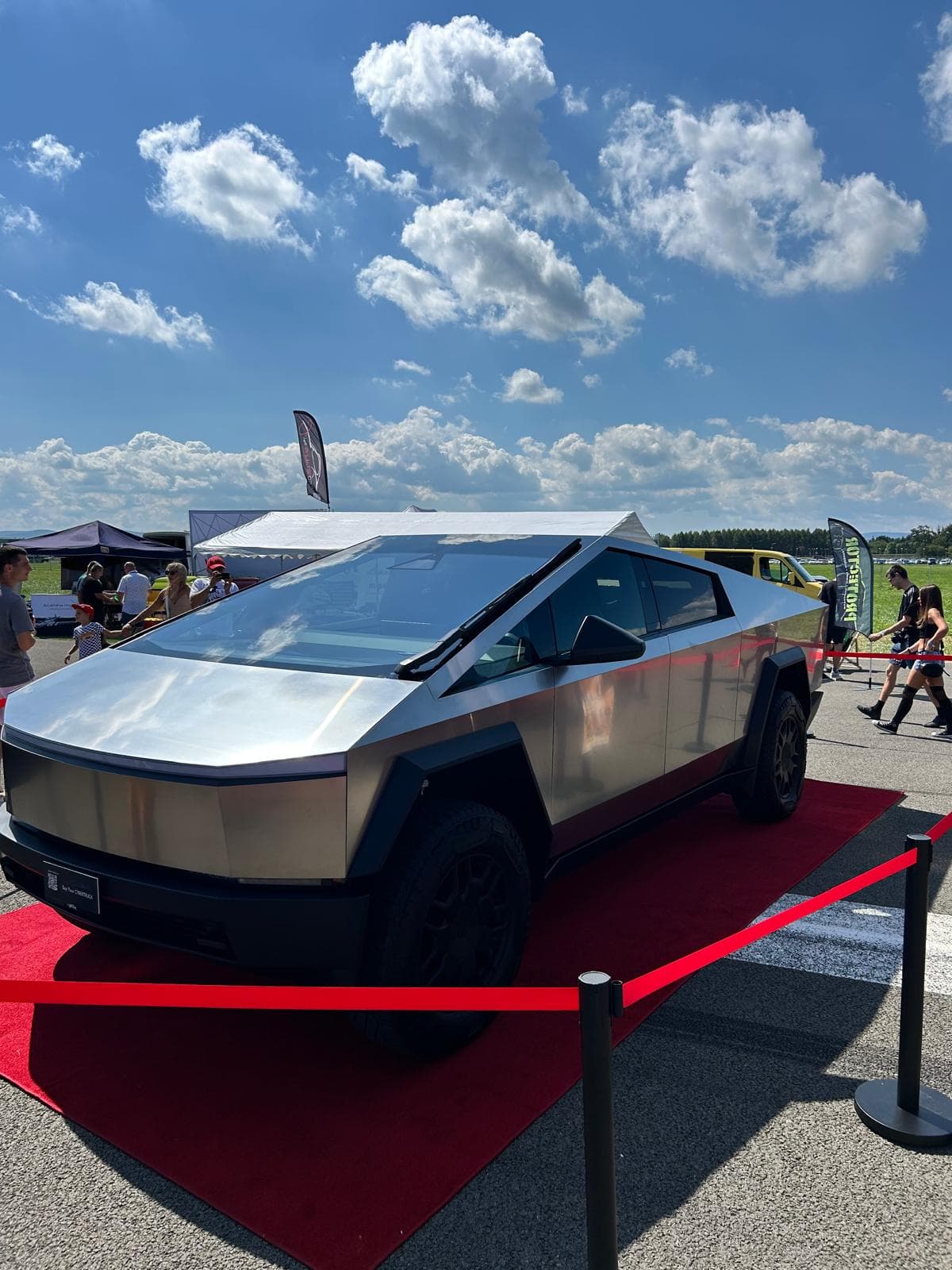
Cybertruck in Europe 2026: Will Tesla Launch It Officially?
What is known and what is not: why the Cybertruck is absent from Tesla's European showroom, how individual approval works, and how to decide – wait or buy now.
Read more →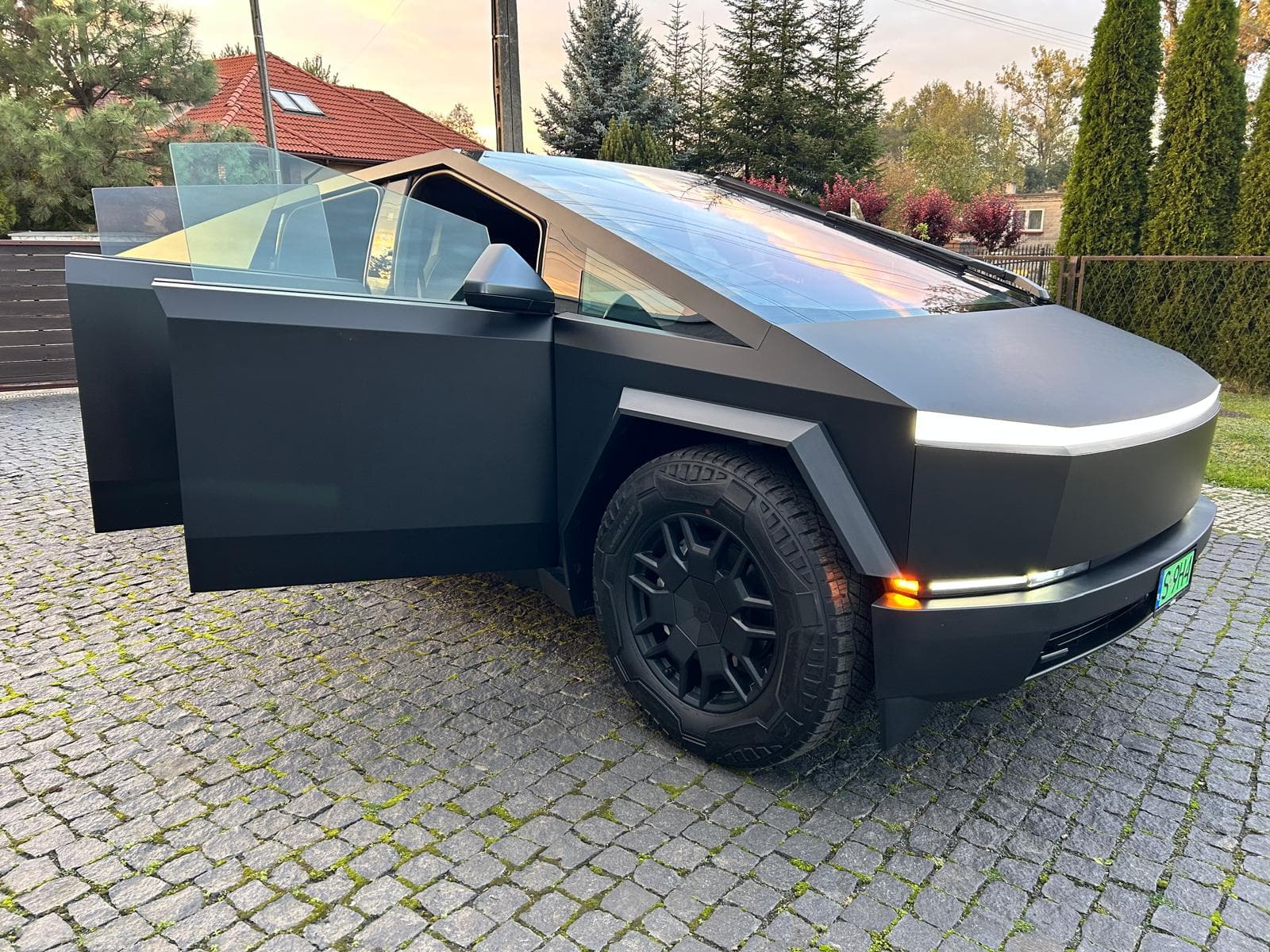
October 25, 2026
Cybertruck Service, Warranty, and Parts in Europe – How It Really Works
Straight to the point: Tesla's warranty is American, European service may refuse – and how to maintain your Cybertruck stress-free. Operating costs and what we organize for clients.
Read more →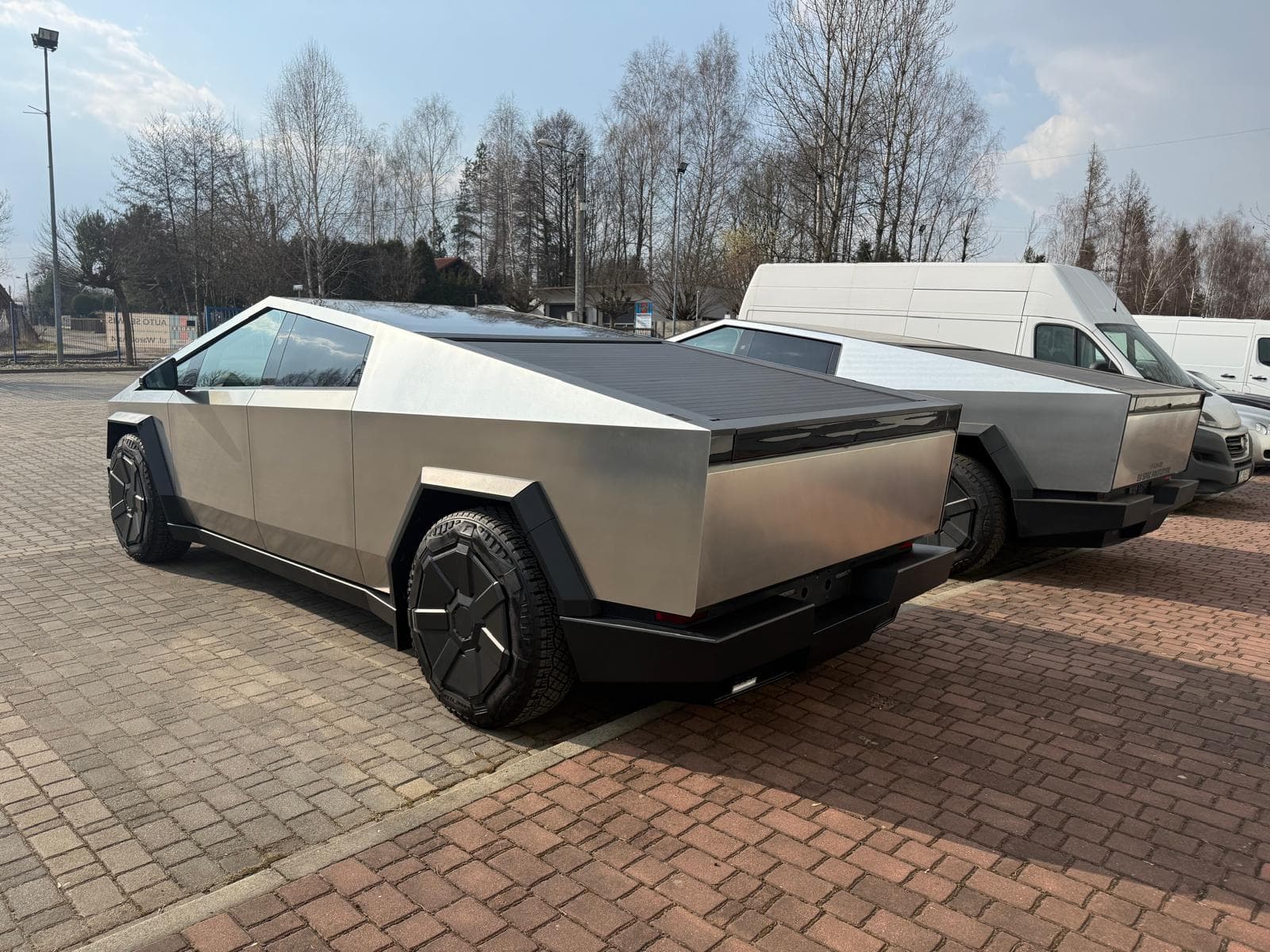
October 25, 2026
Cybertruck or Tesla Model X? A Comparison for European Buyers
Two different cars under one logo: numbers side by side, real prices in Europe, service and warranty, and a clear answer on when the Cybertruck makes sense and when the Model X is better.
Read more →